The Backend That Started With Frustration
Fluxbase wasn’t planned. It emerged from a specific problem: the Wayli location tracking app needed a backend that people could actually self-host.
The original Wayli stack required 15 containers when using Supabase-analytics, auth, edge functions, image processing, log aggregation, and more. All impressive features, but overkill for a simple location tracker. The barrier to self-hosting was simply too high.
So I built Fluxbase: a backend that does what most projects actually need, without the operational complexity.
What is Fluxbase?
Fluxbase is a lightweight Backend-as-a-Service packed into a single Go binary. It provides all the essential services-REST API, authentication, realtime, storage, edge functions, AI chatbots-in one deployable artifact.
The only external dependency is PostgreSQL. No Redis, no message queues, no additional services to orchestrate. Just Fluxbase and your database.
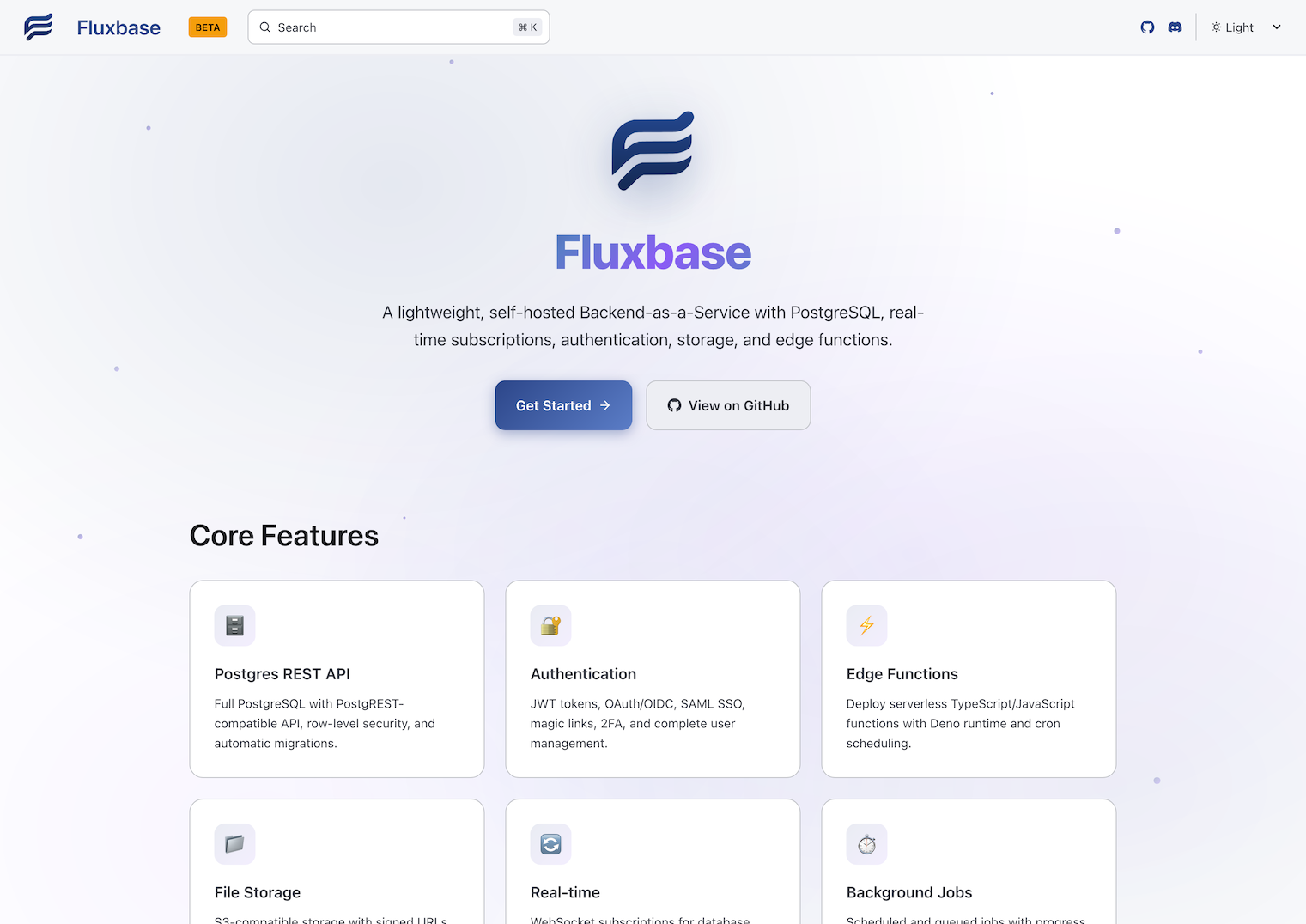
Core Features
Auto-Generated REST APIs
Create a table in PostgreSQL, get a REST API automatically. Fluxbase uses PostgREST-compatible query syntax, so if you’ve used Supabase before, you already know how to use it.
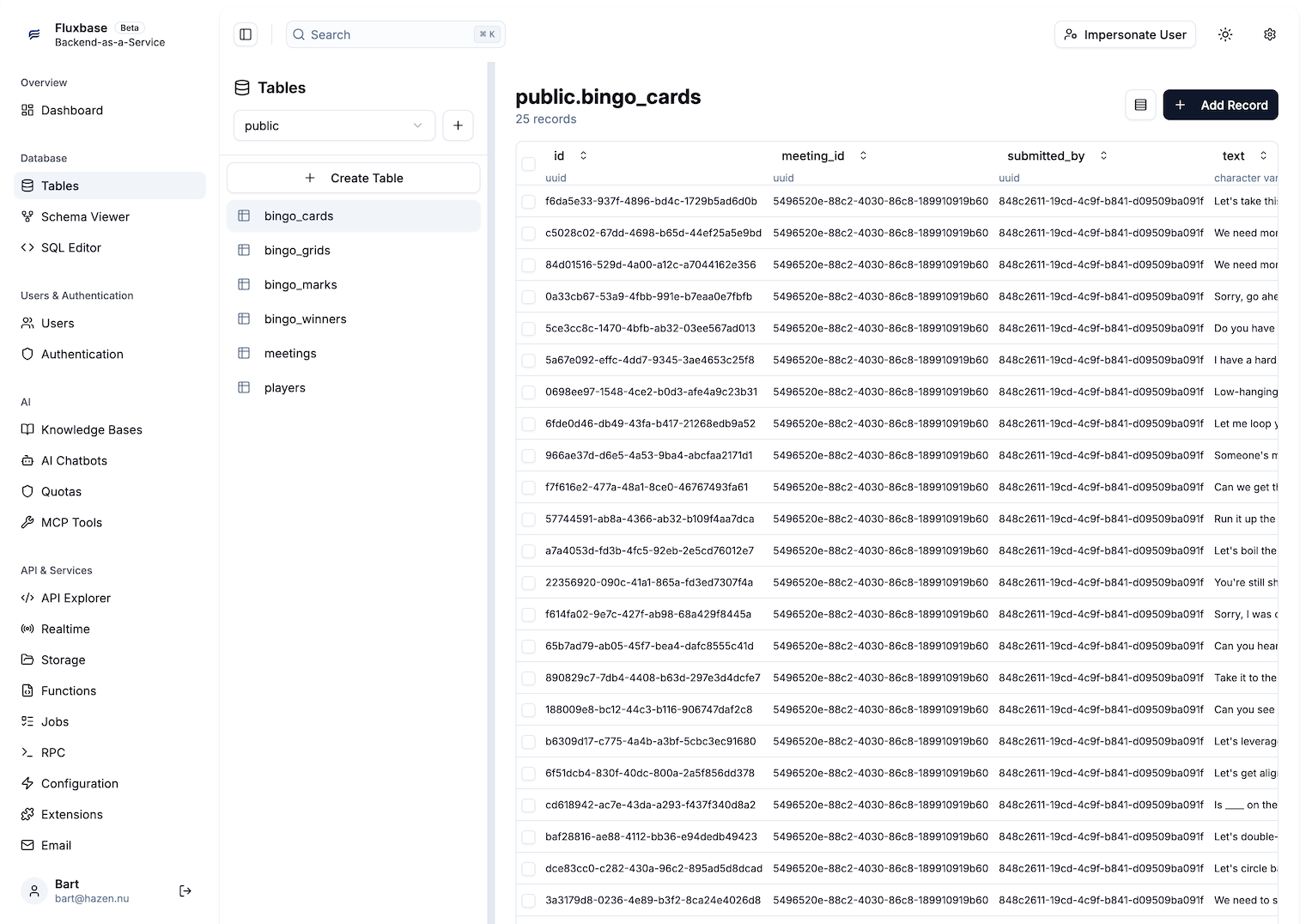
Authentication
Built-in authentication with multiple methods:
- Email/password - Traditional signup and login
- Magic links - Passwordless authentication
- OAuth providers - Google, GitHub, GitLab, and more
- SAML SSO - Enterprise single sign-on
All using JWT tokens with configurable expiration and refresh flows.
Realtime
WebSocket-based realtime subscriptions for live data updates, built on PostgreSQL’s LISTEN/NOTIFY for reliable change detection.
Storage
File storage with flexible backends:
- Local filesystem - Simple, no external dependencies
- S3-compatible - AWS S3, MinIO, Cloudflare R2
Includes access policies, signed URLs, and image transformations.
Edge Functions
Serverless JavaScript/TypeScript functions with Deno runtime:
- HTTP-triggered functions
- Scheduled functions (cron)
- Database webhook triggers
Deploy via CLI, API, or the admin dashboard.
AI Chatbots
Fluxbase includes built-in AI chatbot capabilities that integrate directly with your data:
- Automatic API endpoints - Each chatbot gets its own REST endpoint for system prompts and configuration
- Database-aware - Chatbots can query your PostgreSQL tables using natural language, with the schema automatically provided as context
- User identity - Queries run with the authenticated user’s permissions, ensuring row-level security is respected
- Multiple providers - Support for OpenAI, Anthropic, and other LLM providers
- Streaming responses - Real-time responses via WebSocket
- Rate limiting - Token budgets and usage controls
This isn’t a separate service bolted on-it’s built into the same binary, using the same authentication and database connection.
Why Fluxbase?
Simplicity First
The entire backend is one process. One thing to deploy, one thing to monitor, one thing to update.
| Aspect | Traditional BaaS | Fluxbase |
|---|---|---|
| Containers | 15+ | 2 (Fluxbase + PostgreSQL) |
| Configuration | Multiple files | One file |
| Deployment | Docker Compose / K8s | Single binary or container |
| Maintenance | Coordinate versions | One artifact |
Designed for Self-Hosting
Fluxbase was built from the ground up for self-hosting:
- Admin dashboard - Configure everything through a web UI
- Hot reloading - Most changes apply without restarts
- Single database - All state in PostgreSQL, easy to backup and migrate
- Runs anywhere - VPS, homelab, Raspberry Pi
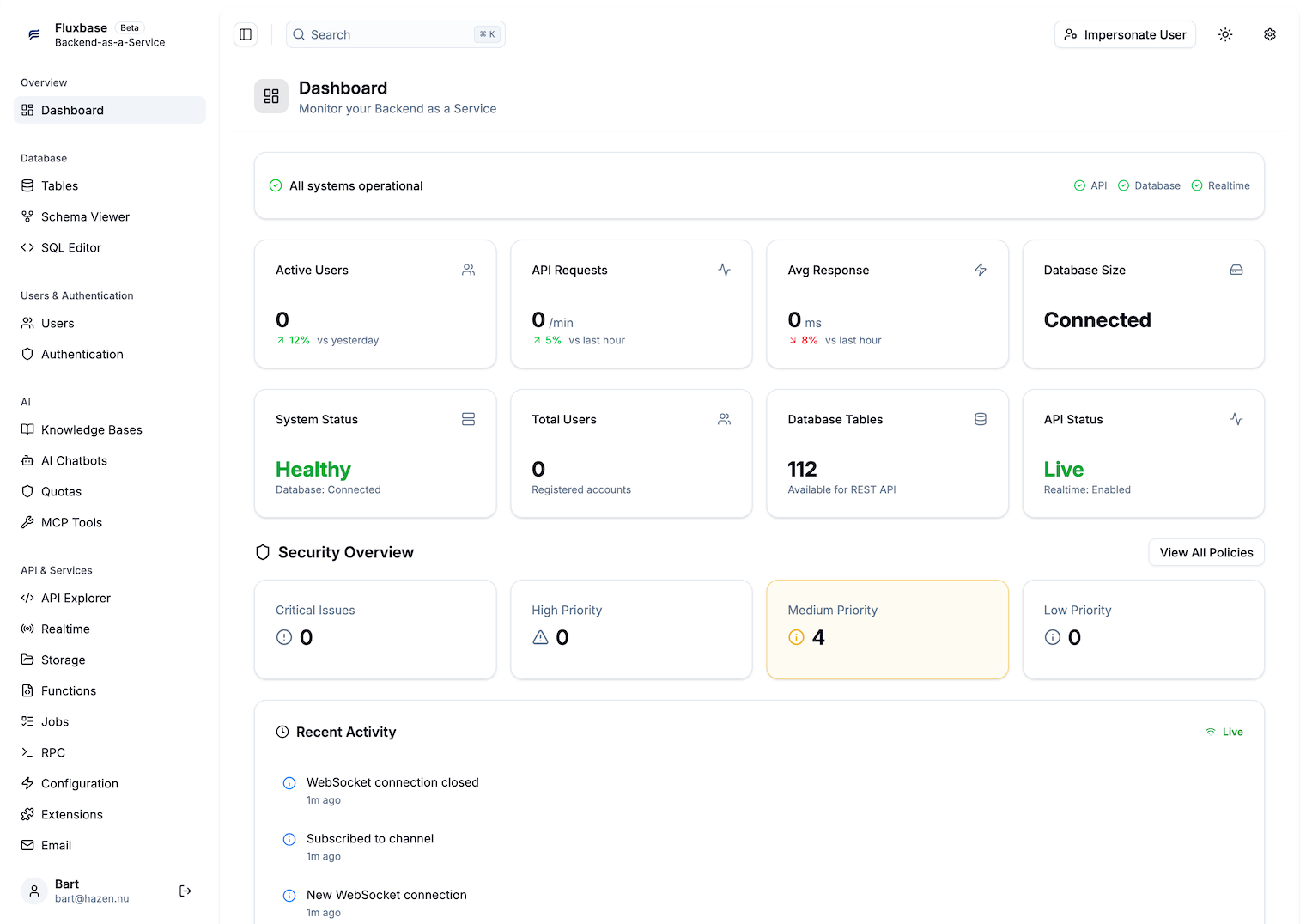
No Vendor Lock-in
Fluxbase is open source (AGPLv3). Your backend isn’t dependent on a company’s roadmap or pricing changes.
PostgREST Compatibility
The REST API uses the same query syntax as Supabase’s PostgREST layer. Migrating existing projects requires minimal code changes-mostly updating import statements.
Who Is Fluxbase For?
Startups and side projects - Focus on building, not infrastructure. Get a complete backend in minutes.
Homelab enthusiasts - Run a full backend stack without managing microservices.
Privacy-conscious developers - Own your data and infrastructure without sacrificing features.
Teams with compliance needs - Deploy anywhere PostgreSQL runs, on-premise or cloud.
Proven in Production
Fluxbase isn’t just a proof of concept. Wayli runs on it-every API call, every realtime update, every AI query. Real users, real traffic, real edge cases. The symbiotic relationship between Wayli and Fluxbase means every improvement to one benefits the other.
The Road Ahead
Fluxbase is actively developed. Recent additions include:
- Database branching - Isolated database branches for development
- MCP server - Integration with AI coding assistants
- Vector search - Semantic search capabilities
- Knowledge bases - Document-based AI assistants
The roadmap focuses on making Fluxbase more capable while maintaining its core principle: simplicity.
Try It Out
If you’ve been looking for a backend that’s powerful enough for production but simple enough to understand, give Fluxbase a try.
- Documentation - Comprehensive guides and API reference
- GitHub - Source code and releases
- Discord - Community and support
Your backend doesn’t have to be complicated. Fluxbase proves it.